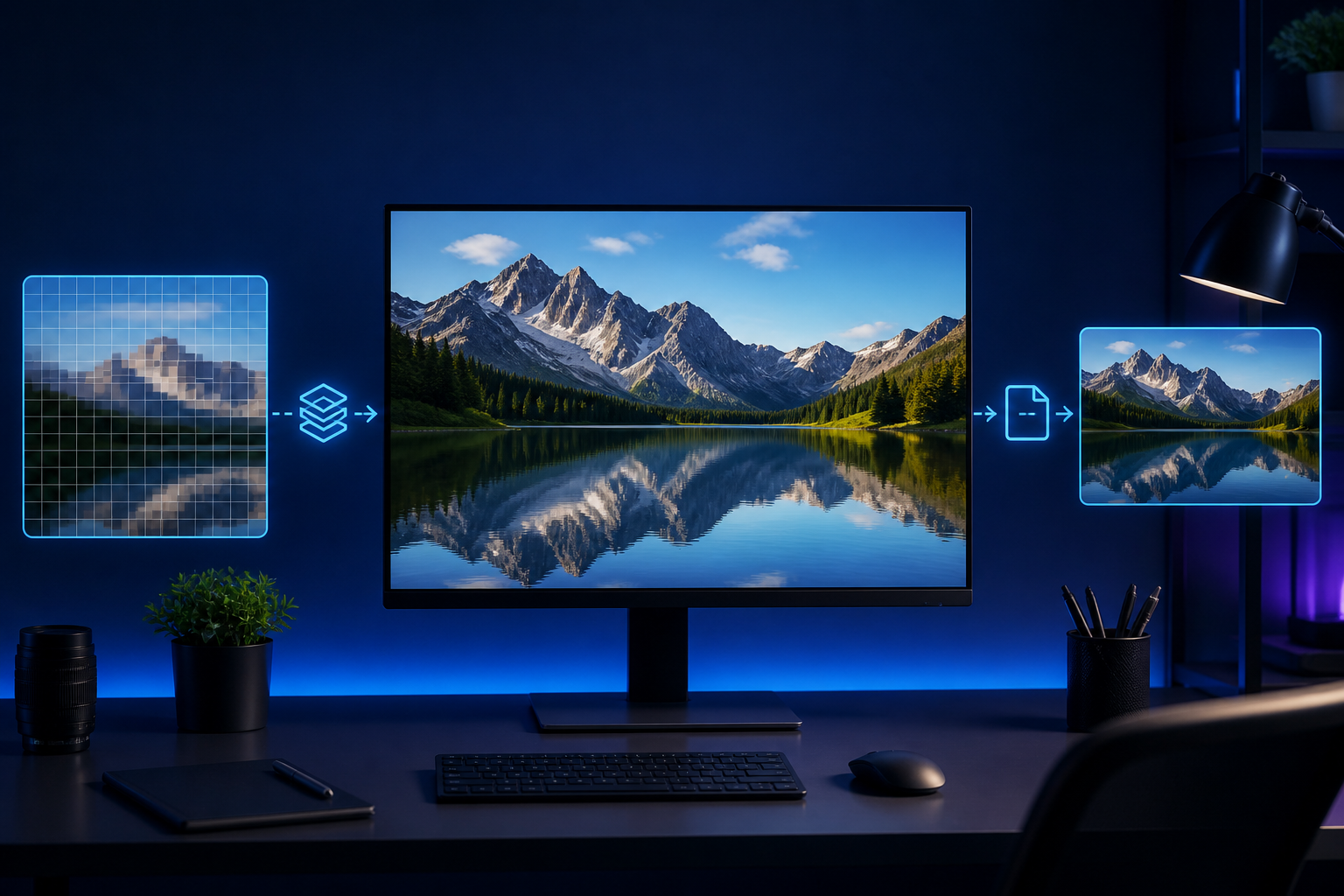
How to Reduce Image File Size Without Losing Clarity
Learn how dimensions, file formats and quality settings affect image size.
Crop one image precisely in your browser.
Select one supported file.
Adjust the available settings and prepare the result.
Check the preview before saving the finished file.
Prepare an image for social posts, documents and profiles with a focused crop.
Keep your original file until you verify the result. Avoid highly sensitive files and only process content you have permission to use.
Privacy policyJPG, JPEG, PNG, WebP, GIF and BMP files, up to 25 MB each.
Learn how dimensions, file formats and quality settings affect image size.
Follow a careful workflow for lighting, framing, background and print layout before submitting a passport photo.
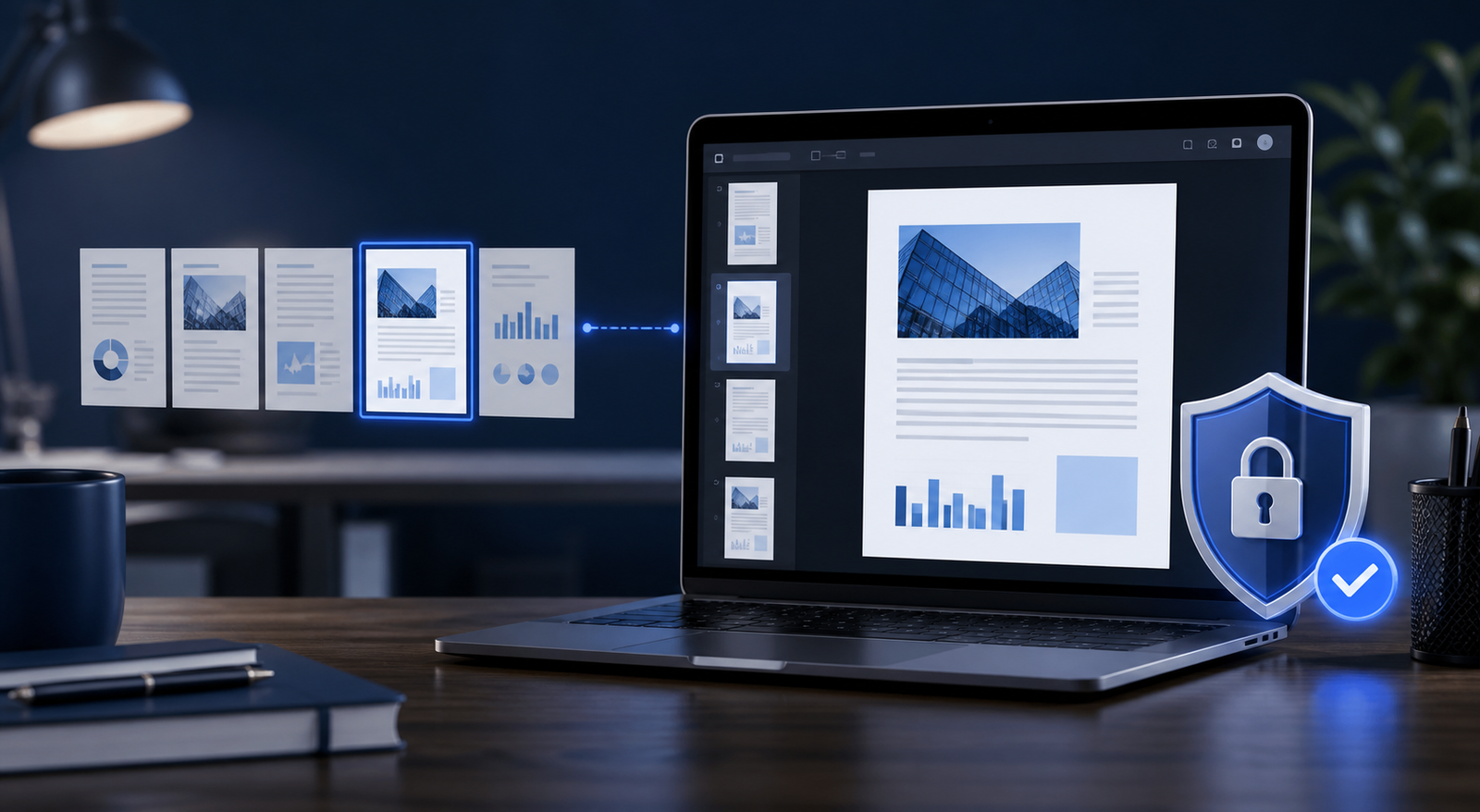
Organize, review and combine several PDF documents without missing pages or exposing unnecessary information.