FILE EDITOR GUIDE
How to Reduce Image File Size Without Losing Clarity
Learn how dimensions, file formats and quality settings affect image size.
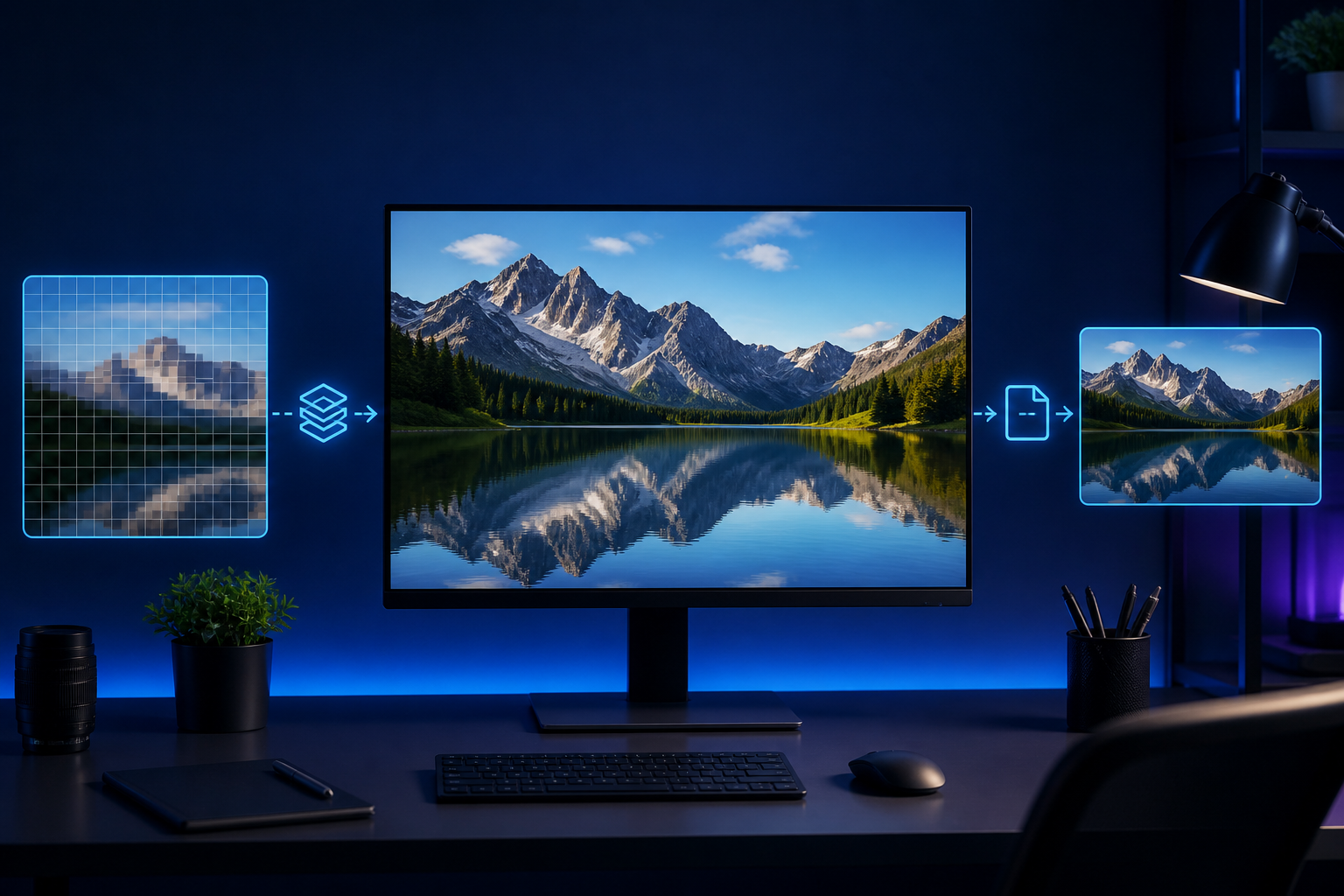
Smaller images load faster, attach more easily to email and are less likely to exceed application limits. The best result comes from balancing dimensions, format and visual quality.
Start with the right dimensions
Do not upload a 4000-pixel photo when the final display area is only 1200 pixels wide. Resizing first removes unnecessary data before compression begins.
Choose a practical format
JPG works well for photographs, PNG is useful when transparency matters, and WebP often provides a smaller modern alternative. Always check the processed preview before downloading.
Keep the original
Compression is usually irreversible. Preserve your original file so you can create another version for print or a larger display later.